

August 22, 2025
A ‘Typical’ Tech Lesson Plan
After I got several emails like this below from tech teacher:
I am also a tech teacher, going on my fifth year in the lab. Each year I plan to be more organized that the last, and most often I revert back to the “way things were.” I’m determined to run the lab just like I think it should be! I just purchased two of your lesson books from Scribd for some fresh lesson ideas and I have a question: Could you please elaborate (or point me to a place where you elaborate) on how you run your class? I love the idea of having kids work independently, accomplishing to do lists, and working on different projects. You mention this in Volume I, but I want to hear more!
Currently, I see close to 700 students, grades 1-6. I want to break out of the routine (the “you listen, I speak, you do” routine), and your system seems like it would work well. Just hoping you can share some details.
…I decided to jot down my typical (as if any planned lesson ever comes out the way it’s written–you know how that goes!) daily lesson. You’ll have to tweak it a bit, depending upon whether you’re teaching kindergarten, 1st-2nd grade or 3rd-5th grade. Here goes:
Typical 45-minute Lesson
As you face a room full of eager faces, remember that you are a guide, not an autocrat. Use the Socratic Method—don’t take over the student’s mouse and click for them or type in a web address when they need to learn that skill. Even if it takes longer, guide them to the answer so they aren’t afraid of how they got there. If you’ve been doing this since kindergarten, you know it works. In fact, by the end of kindergarten, you saw remarkable results.
When talking with students, always use the correct vocabulary. That’s why I’ve included it on the lesson plan. Be sure to emphasize the vocabulary and expect students to understand it. Try the Vocabulary Board during one of the quarters/trimesters. Students love it and it highlights why they want to understand ‘Geek Speak’.
- Students enter the room. They know to start each class by checking the ‘To Do’ list on the TV monitor, taking their seats and plugging their flash drive in. You’re finishing up an email, but it doesn’t matter.
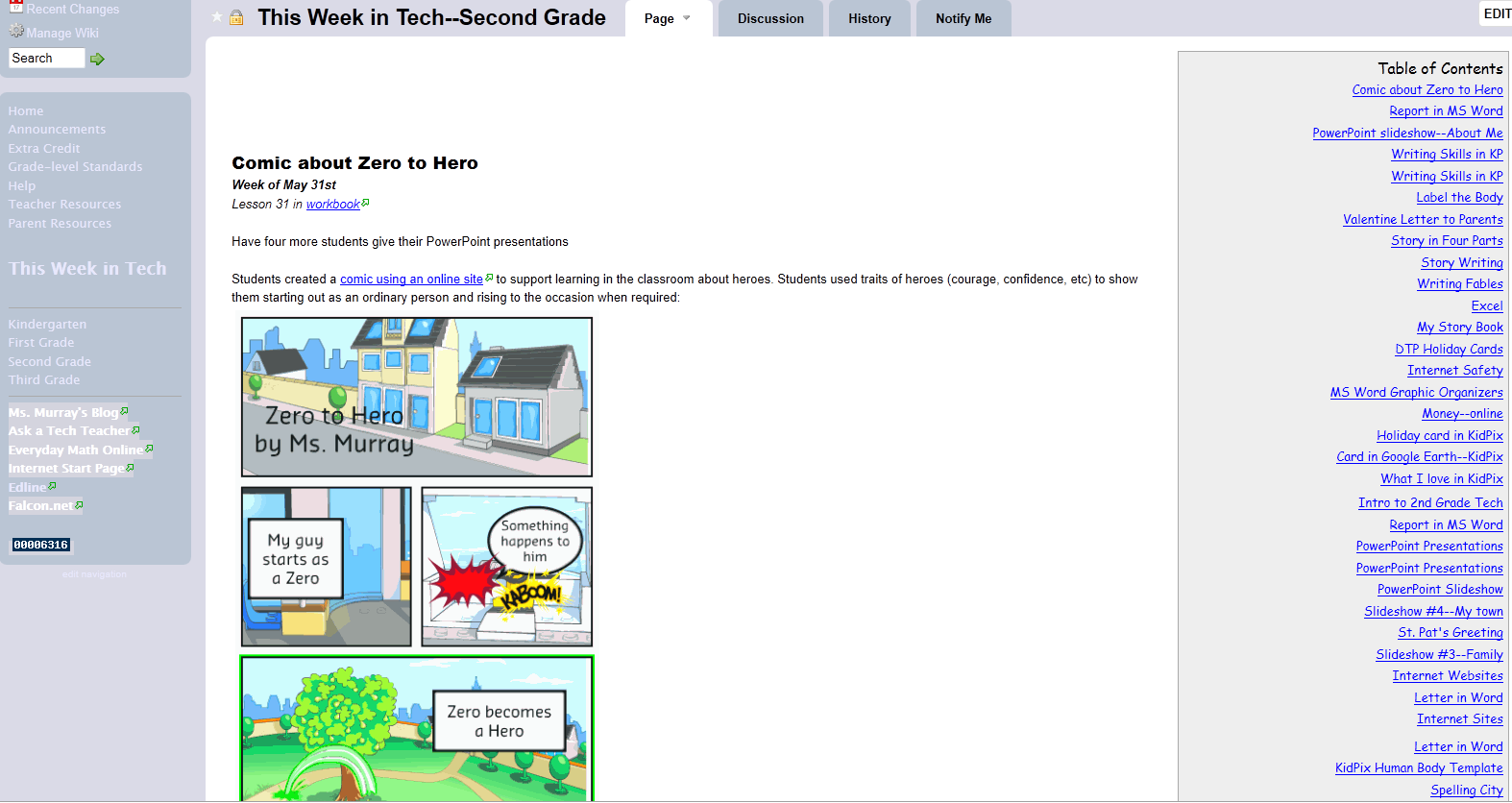 Students are responsible for starting the class. In Kindergarten, they start with 10 minutes of typing practice, either using installed software or an online keyboarding program like Big Brown Bear. Some days, for variety, they work on their alphabet on sites such as Bembo’s Zoo or Starfall Letters or another active learning process that is self-directed.
 - They start with 10 minutes of typing practice, either using installed software or an online keyboarding program. Some days, grades 1-5 are directed to work on their site/vocabulary words in www.spellingcity.com or another activity they can succeed at without teacher direction.
- Next, in grades 3-5, there are three presentation activities (Project 39 Google Earth Board, #81 Problem-solving Board, #104 Vocabulary Board) that rotate throughout the year. Students have selected their topic and presentation date. Whoever is up for the day will teach the class and take questions from the audience. This takes 10-12 minutes. This week it’s exploring the world with Google Earth.
- If it’s the beginning of a month, I review assigned homework (grades 3-5 only) and take questions. If it’s the end of a trimester, I review which skills they accomplished during the last three months.
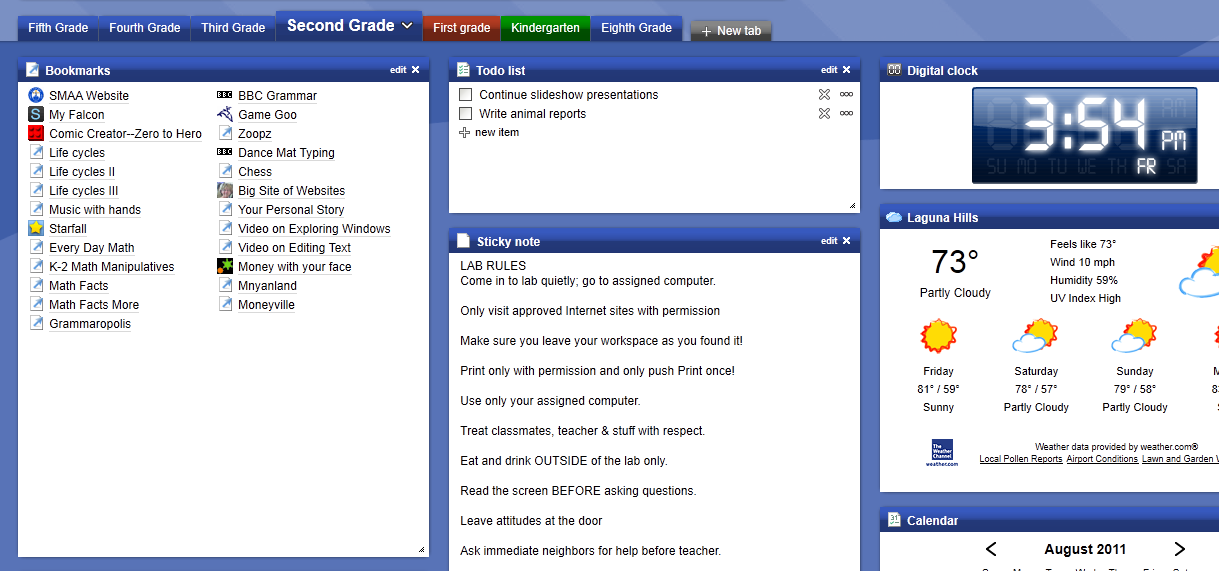
- If we are starting a new project, I review it with them, take questions and we start. If they are in the middle of one, they use the balance of the class to work towards its completion. I monitor activities, answer questions, help where needed. They have access to installed software and the internet.
- During their work, students are free to post vocabulary words they don’t understand on the vocabulary board and problem-solving ideas on that board.
